Searching for a Printer
Setting the Printer Search Criteria
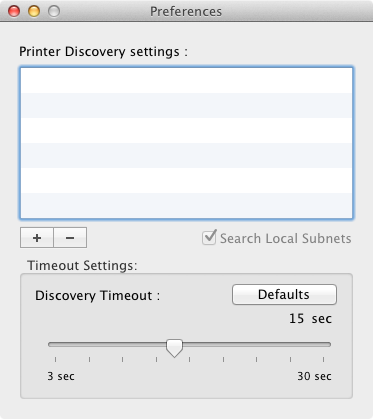
By selecting the "Search local subnet" check box, you can search for printers that exist on the same segment.
Note
This setting is enabled by default.
To search for a printer individually, you can add or remove the IP address of the printer you want to find.
-
Start Network Card Setup.
-
Select [Preferences] from the [Network Card Setup] menu.
-
Click the [+] button, and then enter the IP address you want to add.
The registered address is displayed on the list.
To remove a registered IP address, select the address you want to remove from the list, and then click [-].
Setting the Timeout Conditions
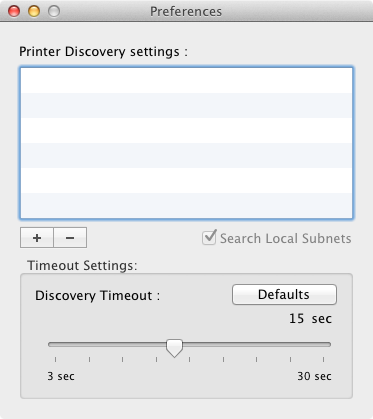
You can set the search timeout.
-
Start Network Card Setup.
-
Select [Preference] from the [Network Card Setup] menu.
-
Select the time-out period.