Checking from the Operator Panel
You can check the status of the printer by performing a test print.
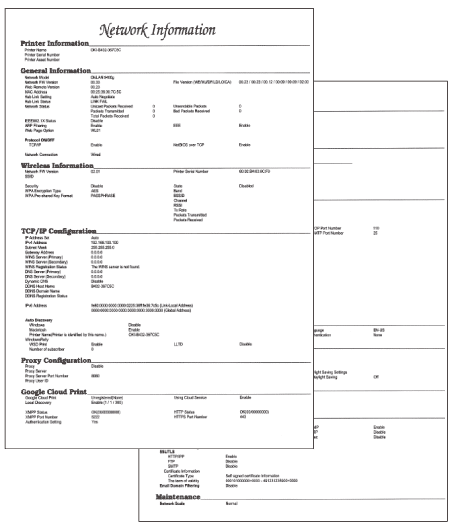
Print the network setting information (Network Information).
-
Load A4 or Letter paper in a tray.
-
Press
 or
or  on the operator panel to display [PRINT INFO].
 -
Press
 (OK) to display [NETWORK].
 -
Press
(OK).
The Network Information is printed.