Downloading a File
You can download a file to the printer.
-
Start OKI LPR Utility.
-
Select a printer.
-
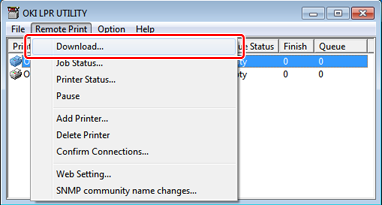
Select [Download] from [Remote Print].
-
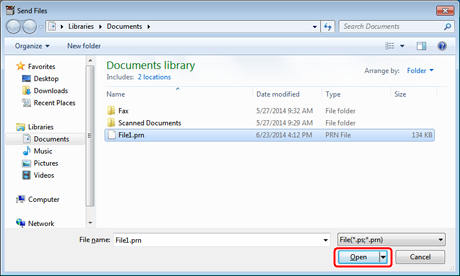
Select a file to download, and then click [Open].
Downloading of the file starts.