

Displaying and Deleting a Job
You can display and delete a print job.
-
Start OKI LPR Utility.
-
Select a printer.
-
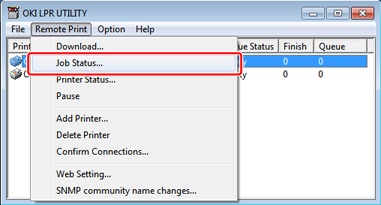
Select [Job Status] from the [Remote Print] menu.
A job is displayed.
-
Select a job to delete, and then select [Delete Job] from the [JOB] menu.
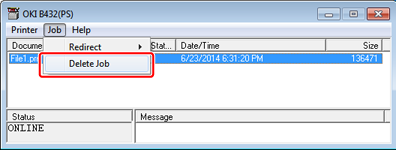
A job is deleted.