

Checking the Status of a Registered Printer
You can display the status of the printer.
-
Start OKI LPR Utility.
-
Select a printer.
-
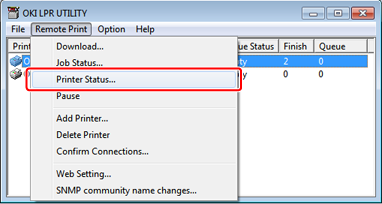
Select [Printer Status] from the [Remote Print] menu.
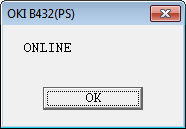
The status of the printer is displayed.
Memo
Alternatively, you can check in [Status] in the job display dialog box.