

I Want to Utilize Various Print Functions
I Want to Print on Envelopes or Labels

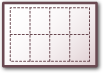
I Want to Make a Booklet
You can print a multiple page document to make a booklet.
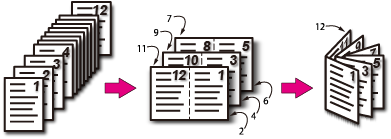
I Want to Print a Large Number of Documents with Covers
You can set different trays to feed the first page and the remaining pages. You can print the cover and the body pages on different types of paper.
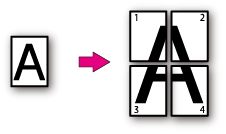
I Want to Overlay Text or Logos
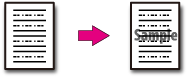
If you register text, logos, or other words as forms in the printer, you can print them over the text of a file.
I Want to Print frequently-used Documents Quickly
If you save print data in advance, you can call the data from the operator panel and print it.
I Want to Print a PDF File Easily
You can easily print a PDF file just by right-clicking the icon of a PDF file and operating.